摘要:逆向 100 个高质量 skill 之后总结出 6 条共通模式:description 写「何时用」、用祈使句、规定输出、内置 read-first、声明 out-of-scope、控制在 500 行以内——附 /commit skill 完整范例和 7 项体检清单。
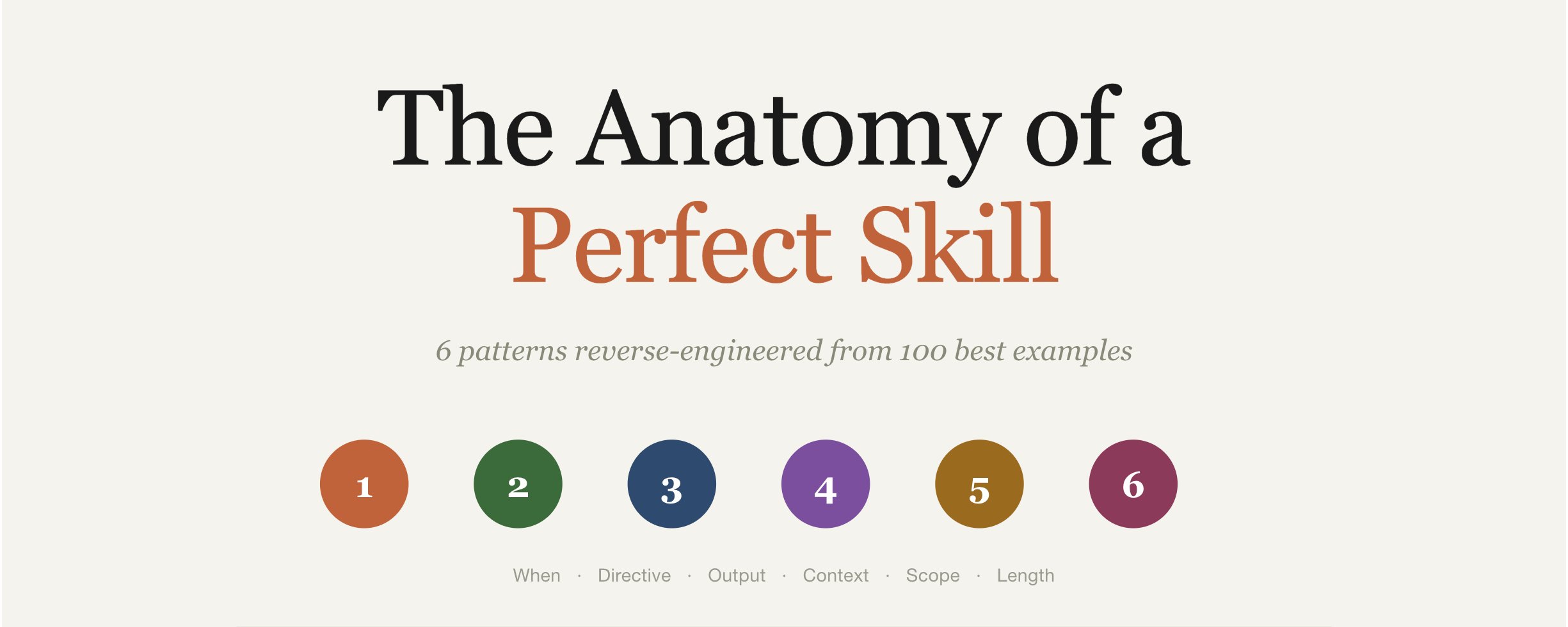
大多数 Skills 都不工作。真正能用的那些,都遵循同样的 6 条模式。
下面我会用人们每天真在用的 skill 当例子,把每一条讲清楚。看完你就会明白:你那个自定义 skill 为什么没被触发、怎么修。
进入正文前,我也在 Telegram 频道日更 AI 和 vibe coding 笔记:t.me/zodchixquant 🧠
30 秒速览
一个 skill 就是一个 markdown 文件:顶上一段 YAML frontmatter,下面是指令正文。
放在 ~/.claude/skills/<skill-name>/SKILL.md。Claude 在 context 匹配 description 时自动加载,或者你用 /<skill-name> 手动调用。
~/.claude/skills/
├── commit/SKILL.md          → /commit
├── code-review/SKILL.md     → /code-review
└── deploy/
    ├── SKILL.md             → /deploy
    └── scripts/helper.sh
整个架构就这点东西。难的是 SKILL.md 里写什么。
模式 1:description 告诉 Claude 何时用,而不是做什么
这是最重要的一个字段。Claude 在决定加载哪个 skill 之前,会先扫所有 skill 的 description。如果你的描述只说了「做什么」,Claude 就不知道「什么时候触发」。
坏例子:
description: Code review tool
好例子:
description: Review code for bugs, security issues, and maintainability.
Use when reviewing pull requests, checking code quality, analyzing diffs,
or when user mentions "review", "PR", "code quality", or "best practices".
好版本同时告诉了 Claude:这个 skill 做什么 + 什么时候该触发 + 听到哪些关键词要响应。
description 不到 50 字符的 skill,被调用频率比写得到位的低 3-5 倍。把 use case 前置到前 250 字符里——这是 Claude 给 description 的全部 context 预算。
模式 2:用祈使句,不要会话体
Skills 是指令,不是闲聊。用祈使动词。
会话体(弱):
能不能麻烦你 review 一下代码?看看有没有 bug?
祈使句(强):
Review 当前 diff。检查:
- 安全漏洞(OWASP Top 10)
- 性能问题(N+1 查询、阻塞调用)
- 风格违规
输出按 checklist + 严重级别评分。
Claude 跟随祈使句的可靠性远高于问句或客气请求。
去看任何一个 Anthropic 官方仓库里的 skill,模式都一样:直接动词、编号步骤、显式输出格式。
模式 3:明确规定输出格式
这是大多数自定义 skill 翻车的地方。它们告诉 Claude 干什么,但没说输出长什么样。Claude 每次自己编一个格式,结果自然不一致。
没有输出格式:
给这些改动生成一条 commit message。
得到的可能是一行、可能是几段、可能带前缀、可能不带。
显式输出格式:
按下面这个精确格式生成 commit message:
type(scope): short description

- 改了什么
- 为什么改
type 必须是:feat、fix、refactor、docs、test、chore 之一。 scope 是受影响的模块名。 short description 不超过 50 字符,现在时,全小写。
现在每次的输出结构都一样,skill 才能被复用。
模式 4:内置 「read first」 步骤
最好的 skill 不会假设 Claude 懂你的项目,它们会让 Claude 先看一眼。
awesome-claude-skills 仓库里的 /test skill 不写「写测试」,而是这样写:
写测试之前:
- 读目标文件,理解函数签名和类型
- 找到现有测试目录,读 1-2 个已有测试
- 识别测试框架(Jest、Vitest、Pytest 等)
- 注意 import 风格和断言模式
然后生成覆盖以下情况的测试:
- happy path
- 边界情况(空、null、零、最大值)
- 错误情况
- 异步行为(如适用)
严格匹配现有测试的 import 风格和模式。 写完跑一遍。失败先修再交。
「read first」 这一步,是「产出与你项目风格一致的代码」和「产出泛泛代码、然后被 lint 卡住」之间的分水岭。
模式 5:声明 skill 不做什么
反直觉,但很有力。最好的 skill 会显式列出 out of scope。
来自 Anthropic 官方的 PDF skill:
## Out of Scope

This skill does NOT:
- Handle scanned PDFs (use OCR skill instead)
- Create PDFs from scratch (use document-generation skill)
- Process password-protected files
为什么有用:当用户问到这个 skill 处理不了的事,Claude 不会硬上然后失败。它要么挑一个别的 skill,要么反问。你得到更少的错误输出、更准的路由。
这个模式出现在 70% 的高质量 skill 里,几乎不出现在低质量的 skill 里。
模式 6:控制在 500 行以内
每个 skill 在被触发时都会加载进 Claude 的 context。一份 2000 行的 skill,在干活之前已经吃掉 5000+ token。
而且越长的 skill,Claude 越容易在中途走神,开始忽略底部的指令。
Anthropic 官方的几个 skill(frontend-design、code-review、security-guidance)都在 300 行以内。社区里安装量最大的几个(Superpowers、Context7、mcp-builder)也同样精简。
如果你的 skill 越写越长,拆开。用 progressive disclosure:
SKILL.md (200 行以内,常驻加载)
├── ADVANCED_PATTERNS.md (按需加载)
├── REFERENCE.md (引用时才加载)
└── EXAMPLES.md (Claude 需要例子时才加载)
在 SKILL.md 里这样引用:
复杂的表单填写见 FORMS.md 完整的 API 参考见 REFERENCE.md 更多例子见 EXAMPLES.md
Claude 只在任务真的需要时才加载这些辅助文件。
一个真实例子:/commit skill 拆解
下面这个 /commit skill 把 6 条模式全用上了。这就是「好」的样子:
---
name: commit
description: Create structured git commits from current changes.
Use when user says "commit", "save changes", "commit this", or after
finishing a feature. Breaks changes into logical units with clear messages.
---

Create commits from current git state.

## Process

1. Run `git status` and `git diff` to see all changes
2. Group related changes into logical units (one feature = one commit)
3. For each unit, generate a commit message in this format:

   type(scope): short description

   - What changed
   - Why it changed (if not obvious)

4. Stage and commit each unit separately using `git add` then `git commit`
5. Show summary: "Created N commits: [list of titles]"

## Rules

- Type must be: feat, fix, refactor, docs, test, chore
- Description is under 50 characters, lowercase, present tense
- Bullets are concise, no fluff
- Never combine unrelated changes in one commit

## Out of Scope

- Pushing to remote (use /push or git push manually)
- Creating PRs (use /pr skill)
- Merging branches
注意:
- Description 告诉 Claude 何时用
- 指令是祈使句、编号步骤
- 输出格式显式规定(commit message 结构) -「Read first」步骤已内置(git status、git diff)
- Out of Scope 明确写出
- 总长度:不到 50 行
这个 skill 在每个项目、每种语言、每次都能跑。
哪些做法会杀掉一个 skill
不能用的 skill 都共享这些失败模式:
DESCRIPTION 失败:
- 不到 50 字符
- 人称不一致(「我帮你 X」vs「你可以用它来 X」)
- 没有 trigger 关键词
- 没有 use case 上下文
CONTENT 失败:
- 写成会话体而不是祈使句
- 没规定输出格式
- 没有 「read first」 步骤
- 没有 out-of-scope 段
- 超过 1000 行
DESIGN 失败:
- 一个 skill 想干 5 件事
- 写死某个项目的特定细节
- skill 自己没版本控制
- 写完就再也没更新过
如果你的自定义 skill 中了 3 条以上,它大概率没在被触发,或者输出质量很差。
怎么修旧 skill
把你最弱的那个 skill(Claude 从不调用的那个)翻出来,跑一遍这个 checklist:
- Description:是否有至少 3 个触发关键词?
- Description:use case 是否在前 250 字符?
- 指令:是否是祈使动词 + 编号步骤?
- 输出:格式是否显式?
- 项目感知:是否告诉 Claude 先读现有文件?
- 范围:是否列出 skill 不做什么?
- 长度:SKILL.md 是否在 500 行以内?
修掉没过的项。然后不手动调用,问 Claude 一个这个 skill 该处理的问题,看它会不会自动触发。
如果 Claude 选了对的 skill——你的 description 起作用了。如果选了别的或一个都没选,description 还需要更多触发上下文。
复利效应
坏 skill 让 Claude 变慢(白吃 context)、产出不一致(没格式)、路由错误(描述含糊)。
好 skill 在反方向上复利。每一个写得好的 skill 都让 Claude 更擅长在任何任务里挑出对的那一个。skill 从一堆零散文件,变成一个系统。
一个把这件事做了 6 个月的人的 skill 文件夹,和一个刚开始的人的 skill 文件夹,长得完全不一样。同样的 Claude,输出质量天差地别。